
Scientific Poster Templates
Six academic styles designed to real poster conventions. Pick one and the AI fills it from your paper — no drag-and-drop, no blank canvas.
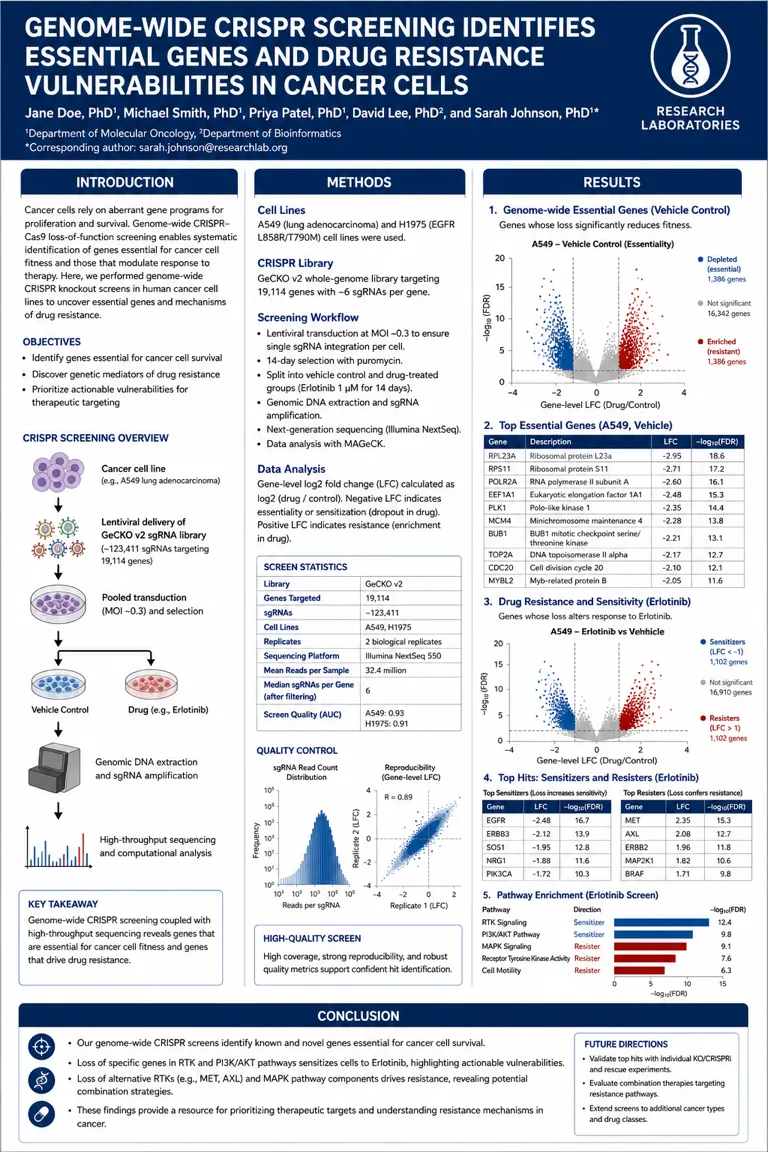
Classic Navy
Three-column academic layout with navy banners — the timeless conference standard.
Use this template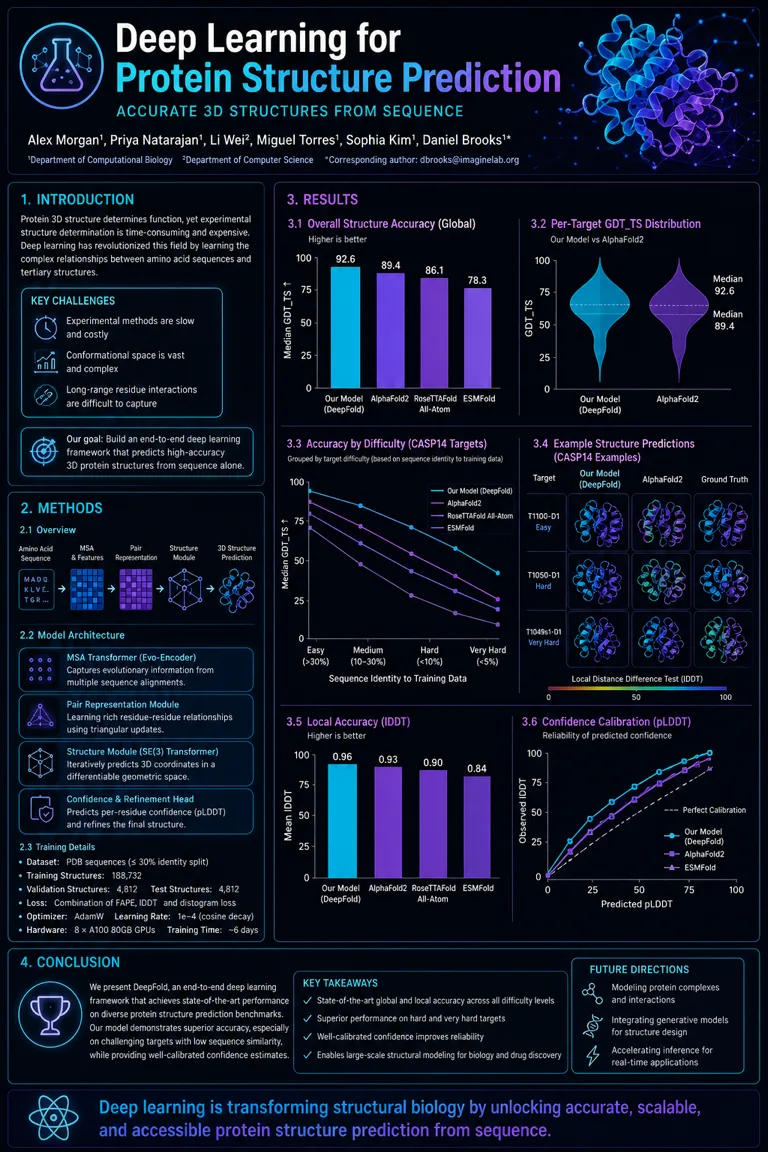
Modern Dark
Dark background with glowing cyan accents — made for AI and computational work.
Use this template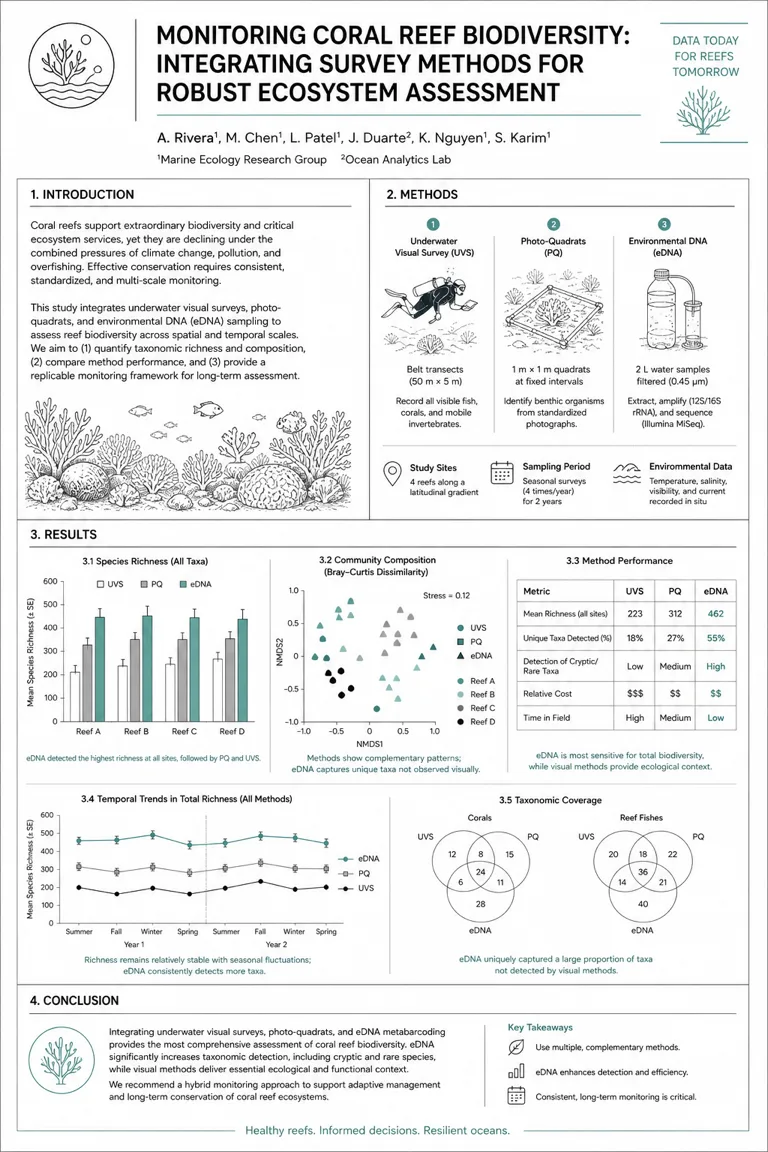
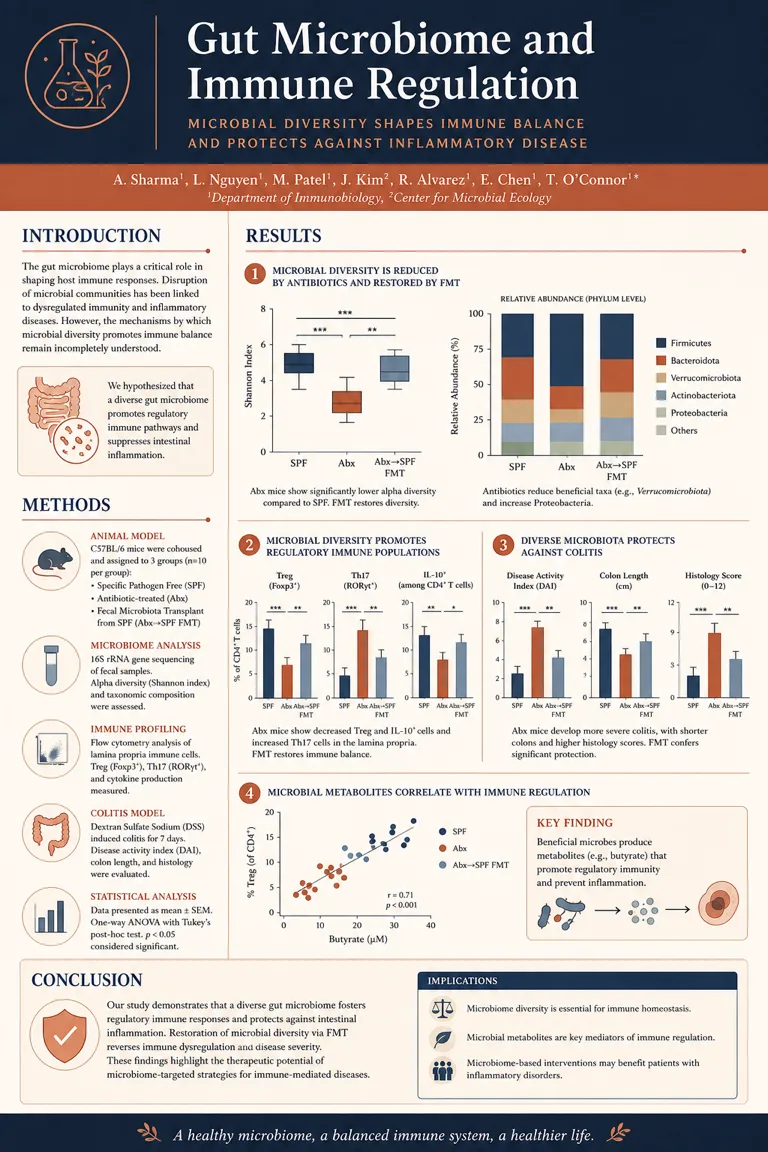
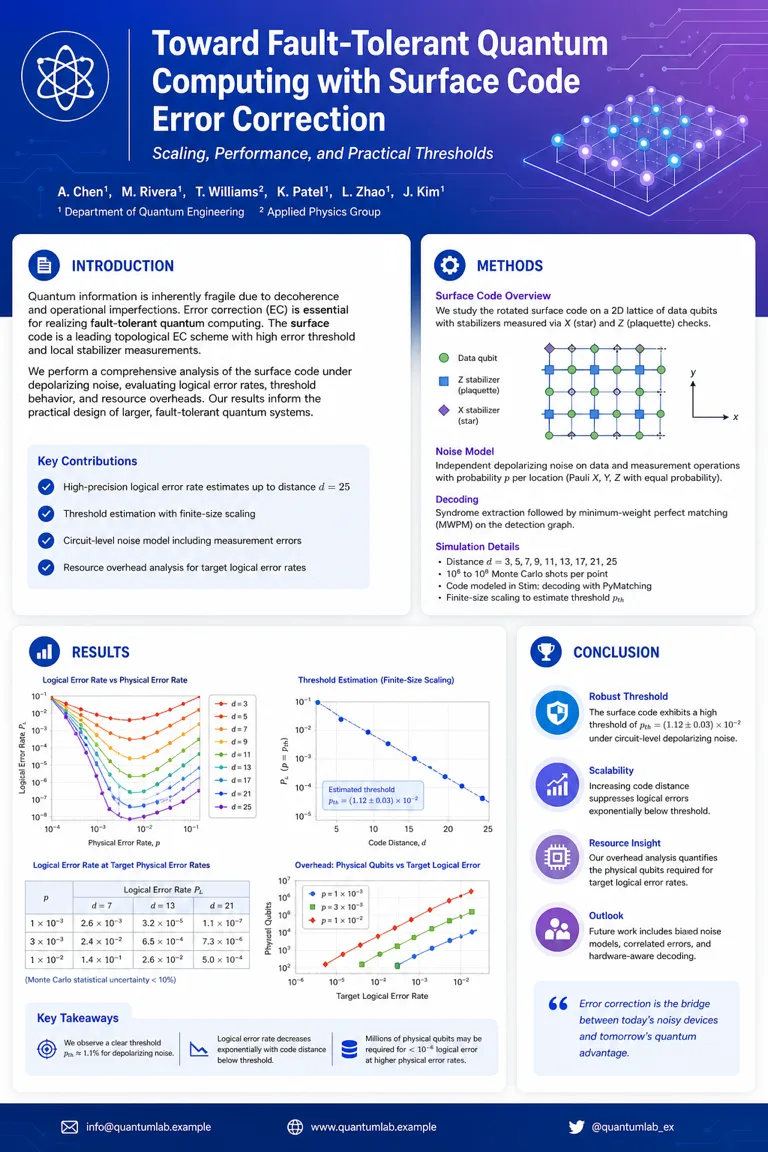
Tech Gradient
Blue-violet gradient banner with rounded section cards — modern tech energy.
Use this template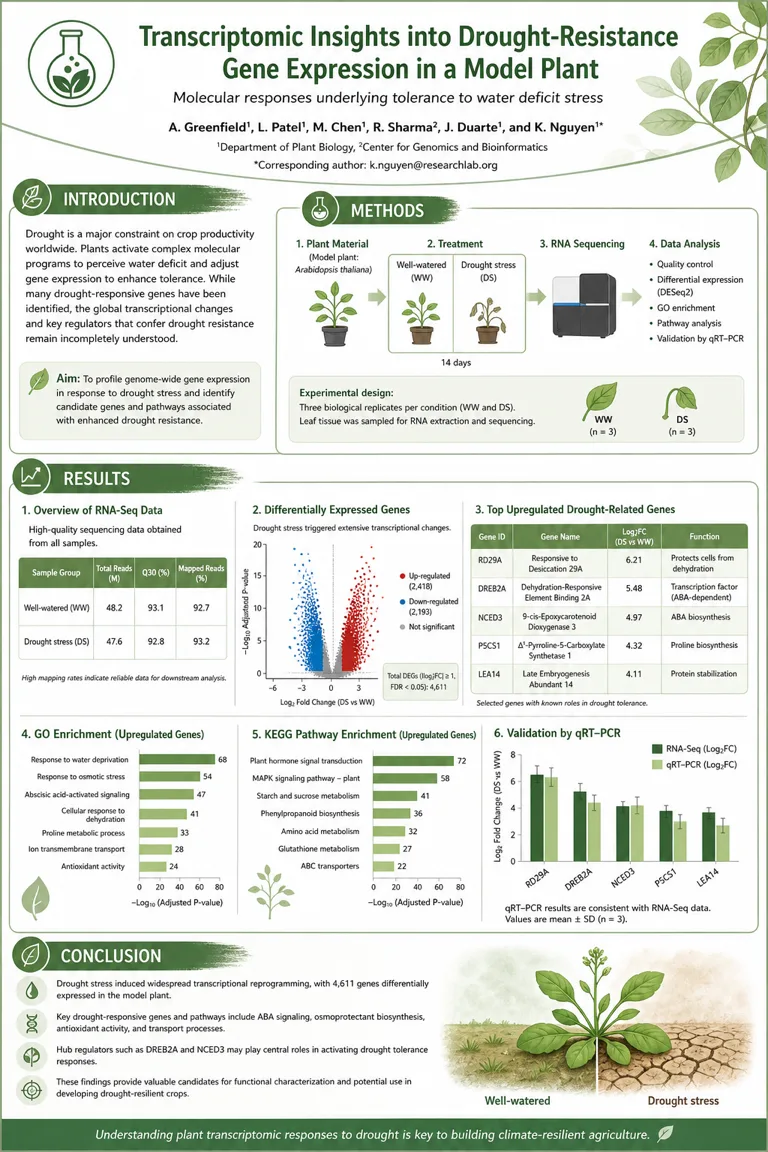
Which template fits your work
The six differ in how much visual weight they hand the results panel and how formal they read from across a hall. Match the venue first and your field second: a clinical audience and a machine-learning audience forgive very different things.
| Template | Fields | Reads as | Strongest when your evidence is |
|---|---|---|---|
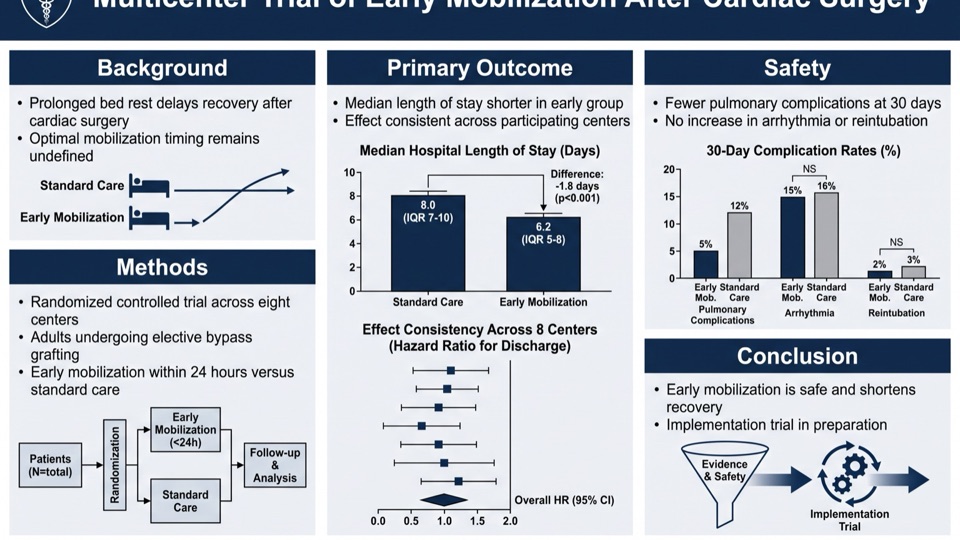
| Classic Navy | Clinical medicine, epidemiology, public health, nursing | Institutional, conservative | Tables, forest plots, CONSORT and PRISMA flow diagrams |
| Modern Dark | Machine learning, computational biology, physics, engineering | Technical, current | Benchmark curves, ablations, model diagrams, anything with a legend |
| Minimal Mono | Ecology, environmental science, methods and instrumentation | Quiet, design-literate | A few large panels that need room rather than many small ones |
| Editorial Serif | Social science, history of science, science communication | Discursive, magazine-like | Argument and narrative carrying more weight than plots |
| Tech Gradient | Quantum computing, robotics, materials, industry R&D | Product-facing, recruiting | Results you want read at a glance from three metres out |
| Life Sciences | Cell and molecular biology, genetics, plant science, ecology | Warm, subject-led | Volcano plots, pathway diagrams, micrographs, field photography |
None of this is a rule. It is where each layout puts its emphasis, which is the part a template actually decides for you.
The size is set by your conference, not by the template
There is no universal poster size, and the sites handing out a single 48 x 36 file are guessing on your behalf. Three real calls for posters, checked on 13 August 2026, disagree with each other:
| Conference | Board it must fit | Orientation |
|---|---|---|
| APA 2026 (American Psychological Association) | 6 ft (183 cm) wide x 4 ft (122 cm) high | Landscape |
| Sigma (Sigma Theta Tau International) | 96 in wide x 48 in high (243.8 x 121.9 cm), fabric | Landscape |
| OFC (Optica) | No official template; boards are sized for A0 | Portrait |
Sources: APA 2026 poster guidelines; Sigma poster presentation guidelines; OFC speaker service center. Read your own call for posters before you design anything — the board is the only dimension that binds you.
Every template here generates portrait (1024 x 1536) or landscape (1536 x 1024) and upscales from there, so the same style covers an A0 portrait board and a 48 x 36 landscape one. Our full guide works through sizing, type and the printing checks in detail. How to make a research poster
These are not PowerPoint files
Most scientific poster templates are a .pptx you download and fill in yourself. That is a real option and sometimes the right one, so here is the honest comparison rather than a sales pitch.
| Route | Canvas it gives you | What you start from | What it costs you |
|---|---|---|---|
| PowerPoint .pptx | Slides cap at 56 in (142.24 cm) per side | An empty slide at your poster size | An evening moving text boxes, and a scaling workaround above 56 in |
| Google Slides | Custom page size, in the browser | An empty page | The same evening, plus weaker typographic control |
| Canva / Adobe Express | Fixed template dimensions | A designed layout with placeholder text | Replacing every placeholder by hand; layouts built for events, not evidence |
| Illustrator / InDesign | No practical limit | An empty artboard | A licence and the skill to use it |
| These templates | 1024 x 1536 or 1536 x 1024, upscaled for print | Your paper PDF or abstract | 30 credits and about two minutes, then editing in the workspace |
The 56-inch problem
Microsoft caps a PowerPoint slide at 56 inches per side. Sigma hands its presenters a board 96 inches wide — so that poster cannot be drawn at full size in PowerPoint at all. The standard workaround, the one university guides teach, is to build at half size and print at 200%, which means every font size you set is really double what you typed. It works, and it is one more thing to get wrong at 2 a.m.
Sources: Microsoft support, "Change the size of your slides"; Southern Illinois University School of Medicine library guide, which publishes its own templates at 36 x 24, 56 x 36, 60 x 36 and 72 x 36 inches with half-size setup instructions.
If a free .pptx is what you actually want
Take one. PosterPresentations, Postersession and PosterNerd all publish free PowerPoint poster templates, and plenty of universities publish branded ones — OFC's own speaker guidance sends authors to exactly those sites rather than issuing a template of its own. If you have the evening and you want a file on your disk, that is the shorter path.
What a downloaded .pptx does not do is read your paper. You still write every section, choose what to cut, rebuild every figure at print resolution and lay it all out. These six templates exist for the other case: the paper is finished, the deadline is not, and you want a complete first draft to edit rather than a blank grid to fill.
Poster template FAQ
Are these scientific poster templates free?
Browsing is free, and new accounts get free credits at signup — enough for your first posters. Each generation costs 30 credits, and failed generations are refunded automatically.
Can I download these as a PowerPoint file?
No — these are not .pptx templates. The AI renders a finished poster you edit in the workspace and export as an image or PDF for the printer. If a PowerPoint file is what you need, the free template sites above are the right stop.
Do I need PowerPoint or design software?
No — that is the point. Each template already encodes the academic layout, and the AI fills it from your paper. Generate, fine-tune text and colours in the workspace, then export a print-ready file.
Can I make an A0 portrait poster?
Yes — generate portrait and upscale. Portrait output is 1024 x 1536, the same 2:3 proportion an A0 sheet uses, and the built-in upscaler prepares it for large-format printing. A0 portrait is the usual expectation at European and international meetings.
Will it print at 48 x 36 inches?
Yes — generate landscape. 1536 x 1024 is the 3:2 proportion of a 48 x 36 board, the common US size. Check your own call for posters first: APA 2026 uses 6 x 4 ft boards and Sigma uses 96 x 48 in, and neither is 48 x 36.
What resolution do the templates print at?
Generate, then upscale before you send it to the printer. A 1024 x 1536 render is a draft resolution; the upscaler is what makes it large-format ready. Poster printing is viewed from a metre or more, so it tolerates far less resolution than a journal figure does.
Which research poster template fits my field?
Start from the venue, not the field. Classic Navy for conservative and clinical meetings; Modern Dark or Tech Gradient for computational and engineering work; Life Sciences for biology, ecology and medicine; Minimal Mono or Editorial Serif where the audience is design-literate. The table above sets out what each one emphasises.
Can I customize a template?
Yes — add custom instructions before generating (section order, what to emphasise, colours to keep) and regenerate freely. The template sets the visual language; your instructions steer the layout. Everything stays editable afterwards in the workspace.
How much text should a poster carry?
Far less than a paper. The University of Chicago library guide puts it at no more than 1,000 words including captions, with roughly 60% of the surface given to imagery. APA asks presenters for 18 pt or larger in a sans-serif face such as Arial or Calibri.
Keep exploring
Our other diagram tools, and the guides behind them.
Every template works with your own research
Upload a PDF or paste an abstract, choose a style, and get a poster with your actual content in about two minutes.
Open the poster maker