
Graphical Abstract Templates
Six layout templates that decide how your story is arranged on the panel. Pick one, paste your abstract, and the AI fills the template with your paper's actual stages and labels.
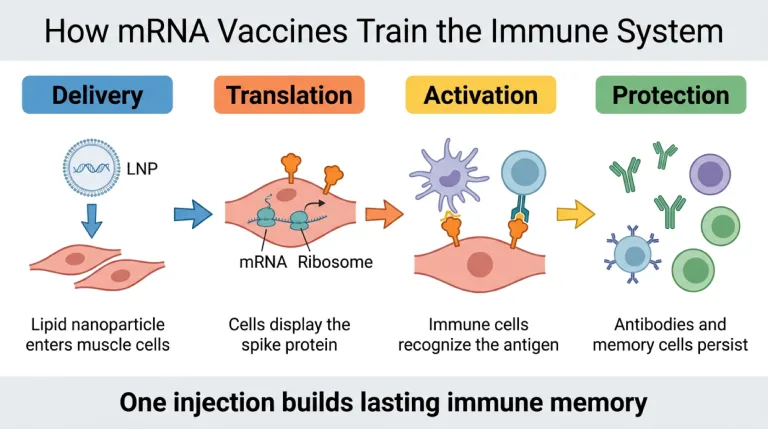
Process / Workflow
The default template for mechanism and methods papers: stages run left to right, intervention early, outcome last, one arrow line carrying the story.
Use this template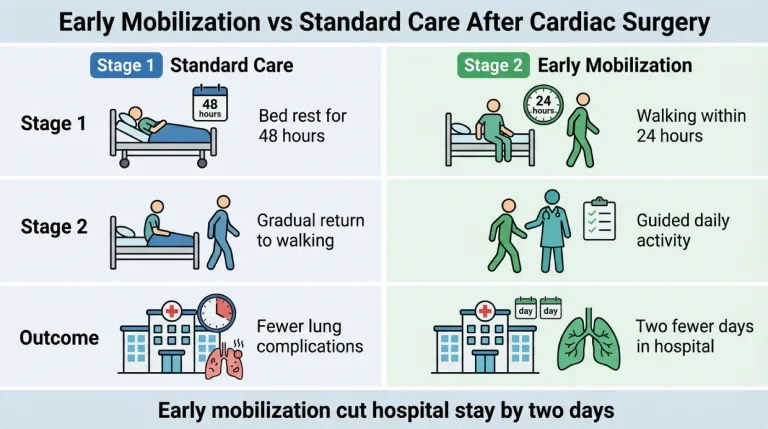
Comparison
Two arms side by side with a shared conclusion bar — built for trials, A/B conditions and before/after designs where the point is the difference.
Use this template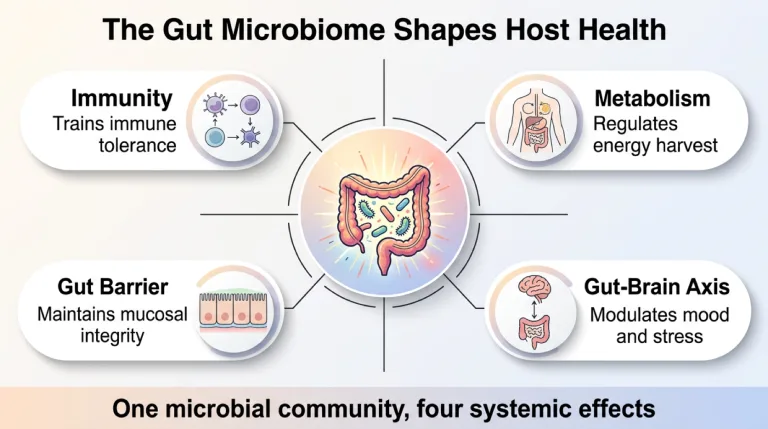
Central concept
One concept in the middle with the findings radiating around it — for papers about a single hub with several effects rather than a sequence.
Use this template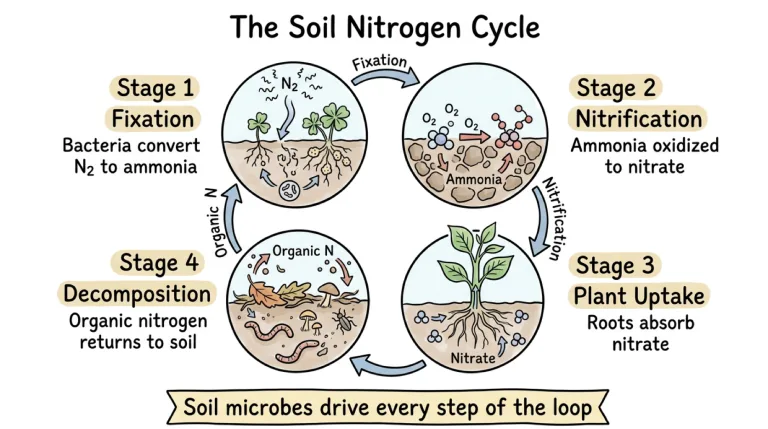
Cycle
Stages closed into a clockwise loop — nutrient cycles, metabolic loops and feedback systems where the last step feeds the first.
Use this template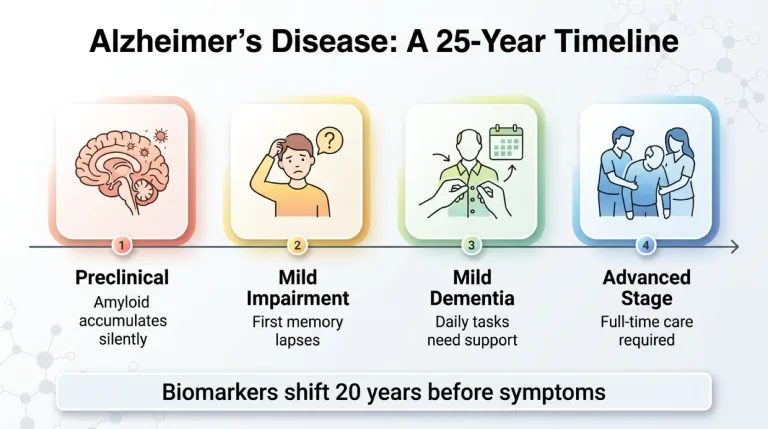
Timeline
Evenly spaced milestones along one horizontal axis — disease progression, longitudinal cohorts and anything the reader should scan in years.
Use this template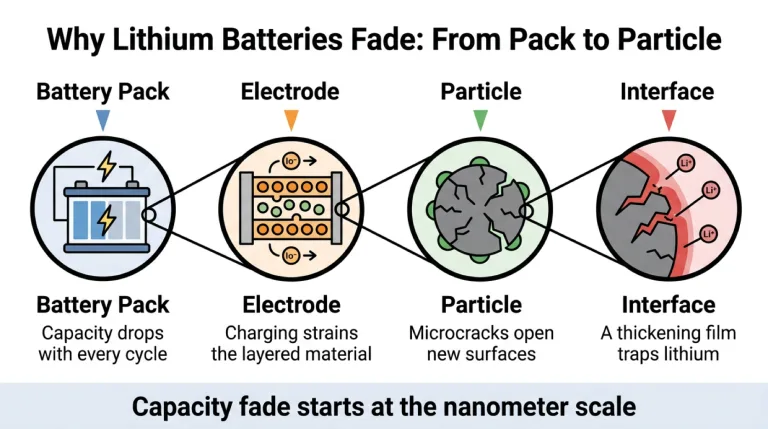
Multi-scale zoom
A zoom-in across scales — the panel starts at the whole system and magnifies step by step down to the mechanism, for findings that live at the nanometer or single-cell level.
Use this templateWhich template fits your paper?
The right layout is a property of the finding, not of taste. Read the key sentence of your own abstract — its verbs usually name the template for you.
| Template | Built for | Your abstract says things like |
|---|---|---|
| Process / Workflow | Mechanisms, methods, pipelines — anything where A produces B | "induces", "leads to", "via", "resulting in" |
| Comparison | Controlled trials, condition A vs condition B, before/after interventions | "compared with", "versus", "randomized", "relative to controls" |
| Central concept | One factor with several downstream effects; reviews of a single concept | "plays a central role", "influences", "shapes", "is linked to multiple" |
| Cycle | Ecological and metabolic cycles, feedback loops, circular processes | "cycle", "turnover", "feedback", "is recycled" |
| Timeline | Disease course, longitudinal cohorts, developmental stages | "over 10 years", "progression", "follow-up", "stages" |
| Multi-scale zoom | Multi-scale stories: organism to cell, device to interface, ecosystem to molecule | "at the cellular level", "nanoscale", "microstructure", "underlying mechanism" |
If none of them fits cleanly, leave the selector on Auto — the model reads your abstract and picks the arrangement itself. Layout and visual style are independent axes: any template here can be rendered as flat vector, gradient or hand-drawn sketch.
A template is a starting shape — an example is a finished figure
The two words get used interchangeably, but they answer different needs. A template is reusable structure: where the stages sit, which direction the reader's eye travels, where the conclusion line goes. It contains none of your science yet. An example is one specific paper's finished graphical abstract — the thing to study when you want to know what good looks like, but not something you can pour your own results into.
This page is the template side: pick a shape and generate from your own abstract. If you would rather study finished pieces first — six of them, across biology, chemistry and AI — browse the examples gallery, then come back and pick the layout the best ones share.
Any template, any journal size
A template fixes the arrangement, not the pixels — the pixels belong to the journal. Compose at your target's ratio from the start: a five-stage flow that breathes at 16:9 gets cramped when squeezed into Elsevier's 2.5:1 banner after the fact.
| Publisher | Stated requirement | Compose at |
|---|---|---|
| Elsevier | Minimum 1328 × 531 px (w × h) at 300 dpi | 2.5:1 banner |
| Cell Press | 1200 × 1200 px at 300 dpi | Square |
| ACS (TOC graphic) | Fits within 3.25 × 1.75 in (8.25 × 4.45 cm) | ~1.9:1 landscape |
| MDPI | Minimum 560 × 1100 px (h × w) | ~2:1 landscape |
Quoted from the publishers' author guidelines as of August 2026. The full breakdown — file formats, font sizes and what production actually rejects — is in the guide: Graphical abstract requirements, publisher by publisher
Do you need a PowerPoint template?
Most downloadable "graphical abstract templates" are PowerPoint skeletons: a row of empty boxes, some arrows, a title bar. They are genuinely useful if you already have the icons and the time — but the skeleton is the easy ten percent. The slow part is what goes inside the boxes: finding or drawing the icons, cutting your abstract down to five short labels, and setting the slide to the journal's exact ratio before you start rather than after.
There is also no official publisher file to find: Elsevier, Cell Press, ACS and MDPI publish size specifications and sample abstracts, not fill-in templates. The templates on this page skip the skeleton stage entirely — the AI reads your abstract, extracts the stages and renders them into the layout you picked, already at the ratio you chose. You refine a complete draft instead of filling a blank grid.
Frequently asked questions
Is there a free graphical abstract template?
Yes — every template on this page is free to try: pick a layout, paste your abstract, and a complete draft renders on the free tier. What you skip compared with a free .pptx download is the manual part — icon hunting, label writing and ratio setup.
Does Elsevier have an official graphical abstract template?
No. Elsevier publishes a specification — minimum 1328 × 531 pixels at 300 dpi, a 2.5:1 ratio — plus sample abstracts, not a downloadable template. Any layout on this page can be composed at that banner ratio.
What is the difference between a template and an example?
A template is a reusable arrangement you start from — it fixes where the stages, arrows and conclusion sit, and contains none of your content. An example is one paper's finished figure — good for judging quality, full of someone else's science. Study examples to calibrate, then start from a template.
Which layout do journals prefer?
None is mandated. The left-to-right process flow is the most common shape in published Elsevier and Cell Press abstracts, which makes it the safe default — but a comparison trial told as a flow buries its own point. Match the layout to the finding, not to fashion.
Can I use the same template for two different journals?
The layout survives, the canvas doesn't. Restacking a 16:9 comparison into Cell Press's square rearranges both arms, so generate at the ratio of the journal you are actually submitting to — and for a second target, re-generate rather than squeeze.
Can I change the visual style of a template?
Yes — layout and style are independent controls in the maker. Any of the six templates renders as flat vector, gradient or hand-drawn sketch: pick the layout for the reader, the style for the venue — vector for journals, sketch for talks and social feeds.
Keep exploring
Our other diagram tools, and the guides behind them.

Your paper already knows its template
Paste the abstract or upload the PDF, pick a layout, and get a journal-ready draft in about a minute.
Open the abstract maker