
Scientific Illustration Examples
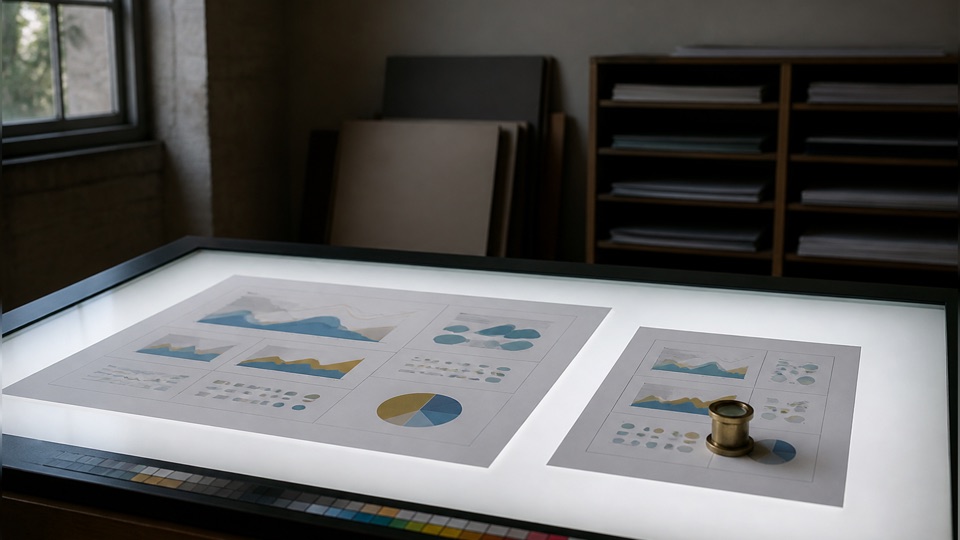
The same AI pipeline, six very different looks — compare styles side by side before you generate.
Choosing the right illustration style
- 1
Match the venue: classic or medical for journals, flat vector for slides, watercolor for outreach.
- 2
Describe the view you want — cross-section, lateral view, exploded diagram — the model follows it.
- 3
Ask for labels only when you need them; clean art is easier to annotate later.
- 4
Use region redraw in the workspace to correct any scientific detail without regenerating.
Frequently asked questions
Are these real AI outputs?
Yes — every image on this page was generated with our illustration tool using the exact style presets you can pick, with no manual retouching.
Can I get the same subject in a different style?
Yes — describe your subject once and switch the style preset; each style is a tuned prompt over the same pipeline.
What resolution can I export?
Up to 4K depending on the model — enough for print figures, posters and covers.
Keep exploring
Our other diagram tools, and the guides behind them.

Generate your own scientific illustration
Describe a subject, pick a style, refine in the workspace.
Open Illustration Generator